
Move fast and save things: a quick guide to recovering a hacked account
What you do — and how quickly — after an account is compromised often matters more than it may seem.
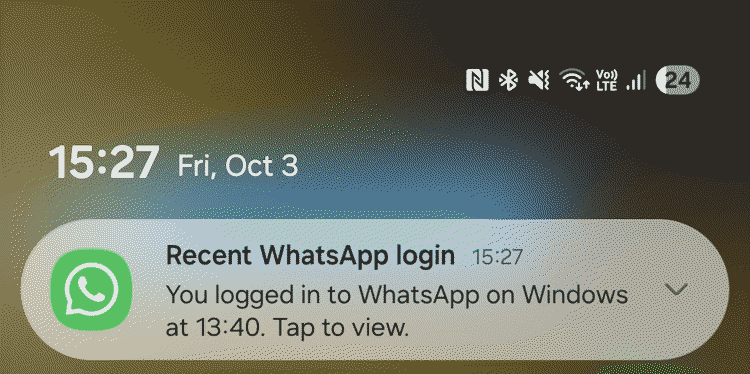
Cybercriminals go after personal information on every kind of online platform: messaging apps, social networks, games, music services and finance apps among them. No account is off the table. If one of yours falls, the first priority is to keep your head and act immediately — the faster you move, the more of the attacker's work you can interrupt.
Their first move after gaining access is usually to make that access close to permanent. That can mean changing the recovery email address, adding backup codes of their own, or setting up silent forwarding rules so that copies of your incoming mail keep reaching them even after you have changed your password.
What follows is a sequence to work through while there is still a chance to undo the damage. Treat the timings as a prompt to move quickly rather than as a hard deadline. Nobody gets through all of it in fifteen minutes, and running out of time is not a reason to stop.
Stop the damage — minutes 0–2
Check whether you still have access to the account, and think about how the breach probably happened.
If you suspect phishing but can still get in, secure the account using the steps below. Use a device other than the one where you first noticed something was wrong.
If you cannot get in at all, go to the platform's support pages and start the account recovery process. Do not waste time on repeated login attempts. Where financial accounts are involved, call your bank or card provider and ask them specifically to block transactions and flag the account for monitoring.
If you think malware is involved — software from a dubious source, or an attachment you opened — disconnect the device from the internet. An active infection may be exfiltrating data or communicating with an attacker in real time, and that is the conversation to cut.
If you have security software installed, start a full scan. Do not wait for it to finish: set it running and move on to the next steps from a different device. If you have nothing installed, run a scan with a reputable online scanner instead.
Do not delete anything yet. Platforms may ask for suspicious messages and other potential evidence while you report the incident and recover the account.
Secure access — minutes 3–6
If the incident hit your email account, pay attention to forwarding rules. Attackers configure them silently so that copies of incoming mail reach them even after you have regained control. Most mail clients list active forwarding rules in settings — check them and remove anything you did not set up yourself.
Check the account's recovery settings too: the backup email address, the recovery phone number and the backup codes. Then change the password, from a device you are confident is clean. It needs to be strong and unique — not a variation of something you have used before, here or anywhere else.
If you can, turn on two-factor authentication even where the service does not prompt you to. In an emergency, codes by text message will do the job, but over the long term an authenticator app is the safer choice, and a hardware security key is stronger still — it works best as long-term protection rather than as a rescue.
One-time 2FA recovery codes are what save you if you lose the device that normally receives your codes. Store them somewhere safe, ideally offline and printed. Losing those codes can lock you out of the account permanently.
Finally, close all active sessions and revoke access to any connected third-party services.
Check, check, check — minutes 7–10
If you have reused the same password elsewhere, change it everywhere. Credential stuffing — where attackers take a stolen username and password and test the pair across a list of platforms — is largely automated and takes seconds. If the credentials worked once, they will be tried again.
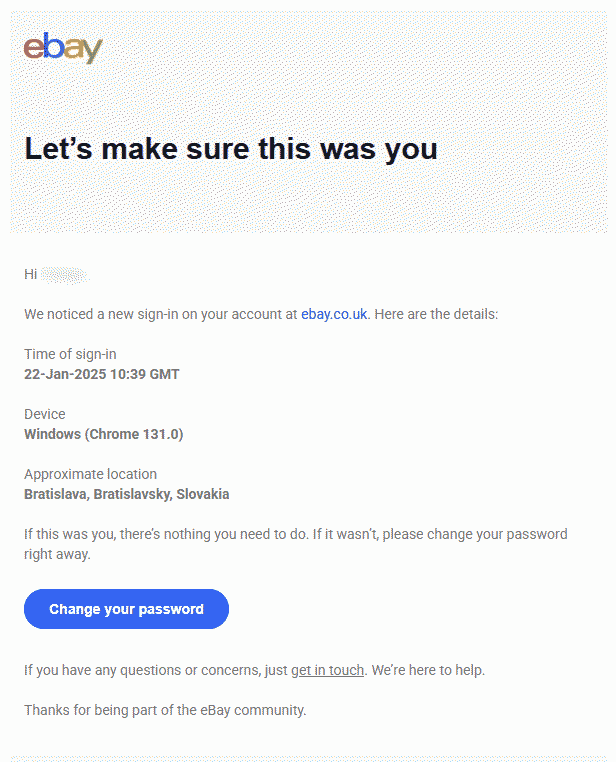
Where the platform offers it, check the login history and recent activity for sign-ins you do not recognise. Then look for anything else that is off: contact details you did not change, messages you did not send, purchases and transactions that are not yours. An email account deserves particular attention. Control of your inbox is close to control of much of your digital identity.
Clean up — minutes 11–13
Review the software installed on the device and remove anything you did not install or do not recognise. Look at browser extensions as well — they are the ones that fly under the radar. Check that your operating system and your other software are on their latest versions, because malware routinely exploits vulnerabilities for which a patch already exists.
Warn and report — minutes 14–15 and beyond
Tell your family and friends what has happened, through another channel if you have not yet restored access to the account. Somebody holding your login details can impersonate you and spread the problem onwards: sending malicious links to your contacts, or talking one of them into transferring money. The sooner they know, the less exposure there is.
Report the incident to the platform if you have not already. If financial accounts may be affected and you have not called your bank, do it now rather than filing an online report and waiting. Ask specifically about blocking transactions and setting up activity monitoring.
When the security scan finishes, read what it found and act on its guidance.
How to reduce the risk of an account compromise
A few habits make a major difference.
- Use a strong, unique password or passphrase for every account. The most common passwords are still strings like “123456” and “admin”, along with first names and dates of birth. All of them are trivially easy to crack and all of them are already sitting in leaked credential databases that attackers work through as a matter of routine.
- A password manager solves the practical problem: it generates and stores a different strong password for each service, so there is nothing to reuse and nothing to remember. The usual objection is what happens if the password manager itself is breached. The risk of using one is considerably lower than the risk that comes from poor password habits without one.
- Turn on two-factor authentication. Even with the password stolen, solid 2FA stops an attacker going further. Where the option exists, an authenticator app is preferable to text messages, because SIM-swapping attacks make SMS codes less reliable than they appear.
- Keep software updated. Updates fix the vulnerabilities attackers already know about and are actively using, and the window between a flaw being published and being exploited is often very short.
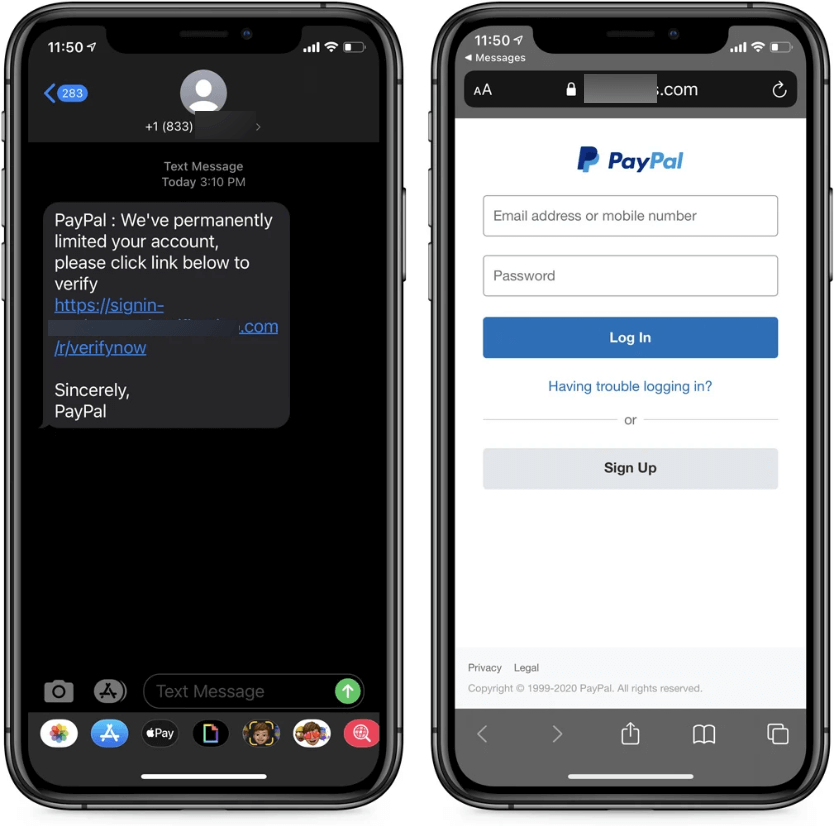
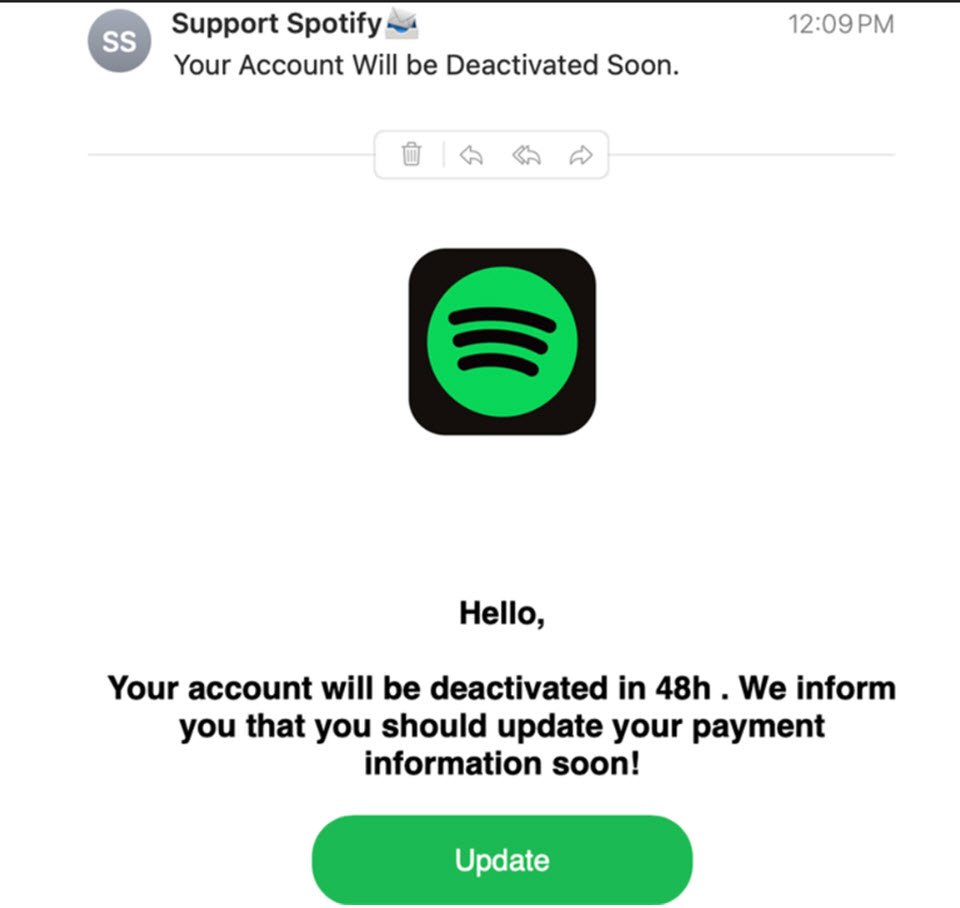
- Watch for phishing, which remains the most common way logins are stolen. Do not be reassured by accurate branding, by a real company name inside a subdomain, or by personal details that were scraped from a public profile. Familiarity is not evidence. The safest habit is not to click links in unsolicited messages at all, and to go to the service directly instead.
- Where a service offers passkeys, consider moving past passwords altogether.
- Run reputable, multi-layered security software. It will not make you invulnerable, but it removes a great deal of the easy end of the problem.
- Use a breach-notification service, which will tell you when your details surface in a leak so that you can act while it still matters.
Final thoughts
Panic is the first hurdle to clear when an account is hacked, and a plan you already know is what gets you past it. It also makes a point worth keeping outside of emergencies: the habits that make recovery faster are mostly the same habits that make the initial attack harder. They do not just help afterwards — they raise the cost of the attack far enough that a great many attackers move on to an easier target.